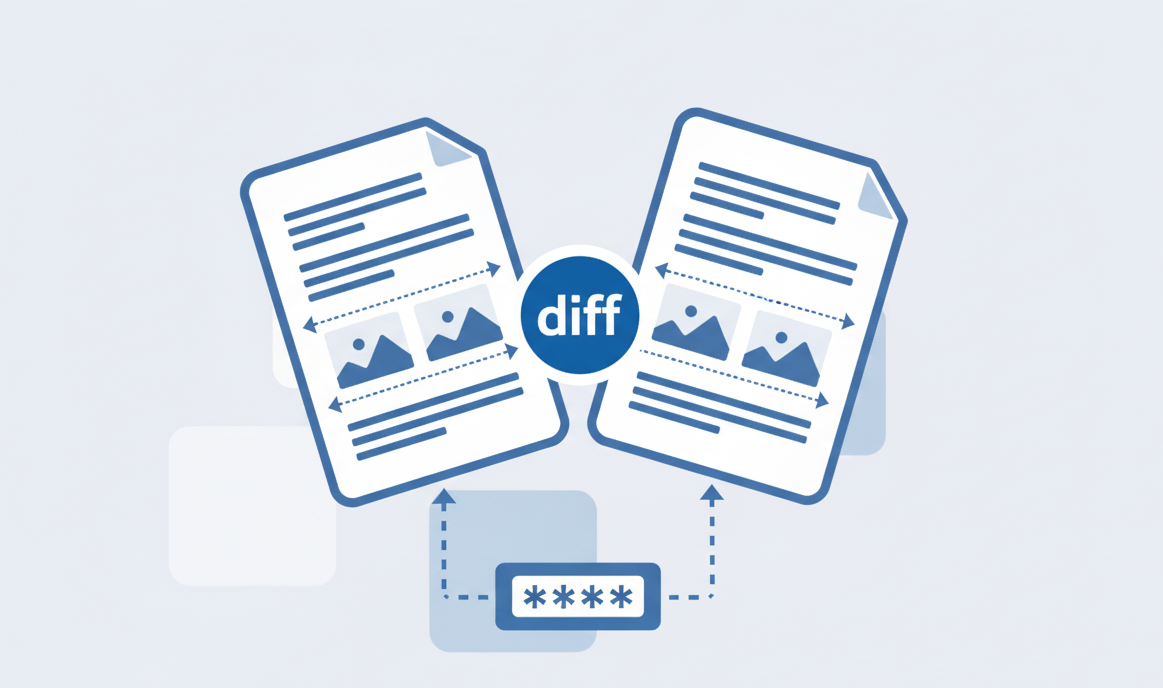
How to Compare 2 PDF files online?
Learn how to easily compare two PDF files using our online tool.
There are loads of free tools available to automatically reduce PDF file size quickly, online and in just a few clicks. Most PDF compression services are free to use and don't require any registration. Visit our PDFsolving website to solve all your PDF problems in your web browser.
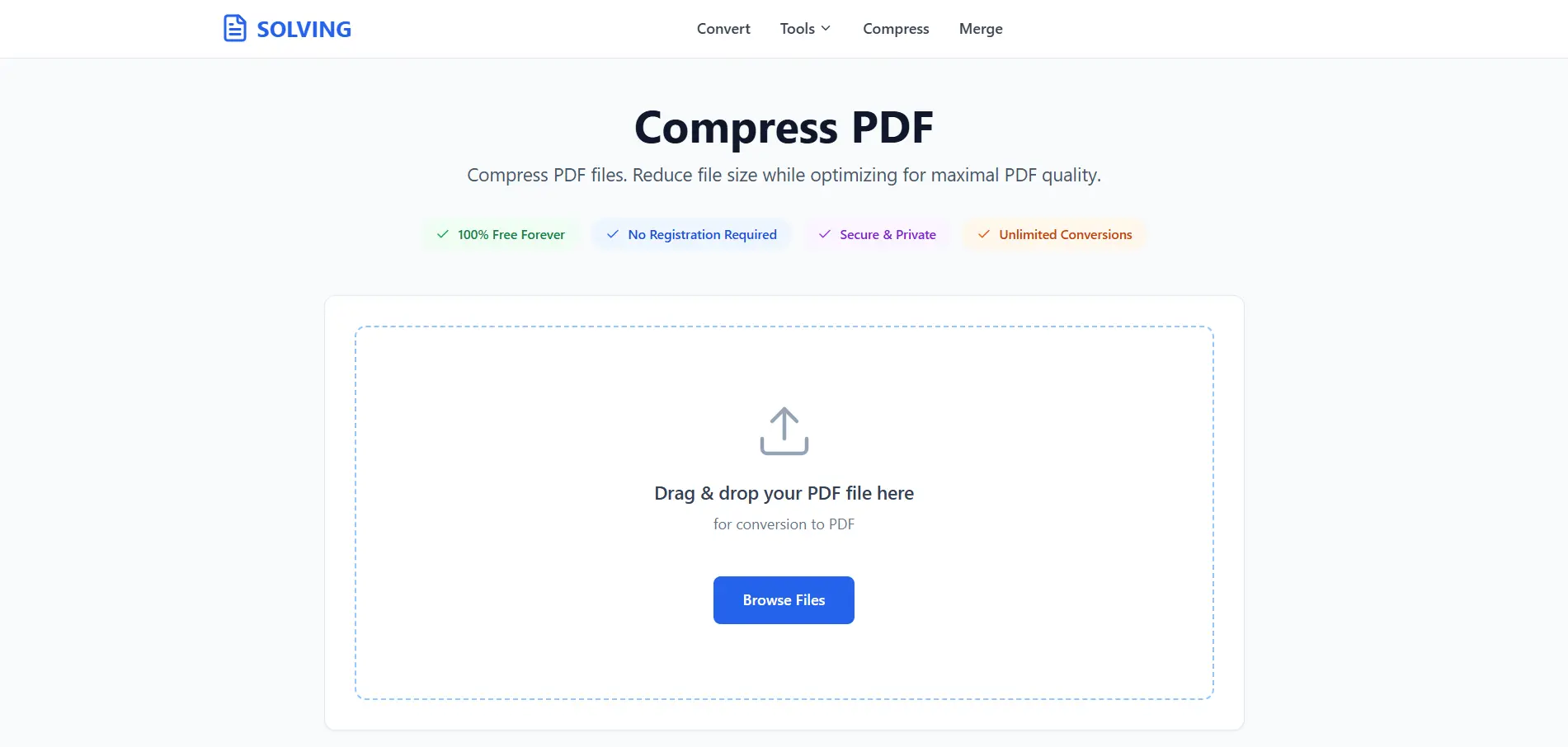
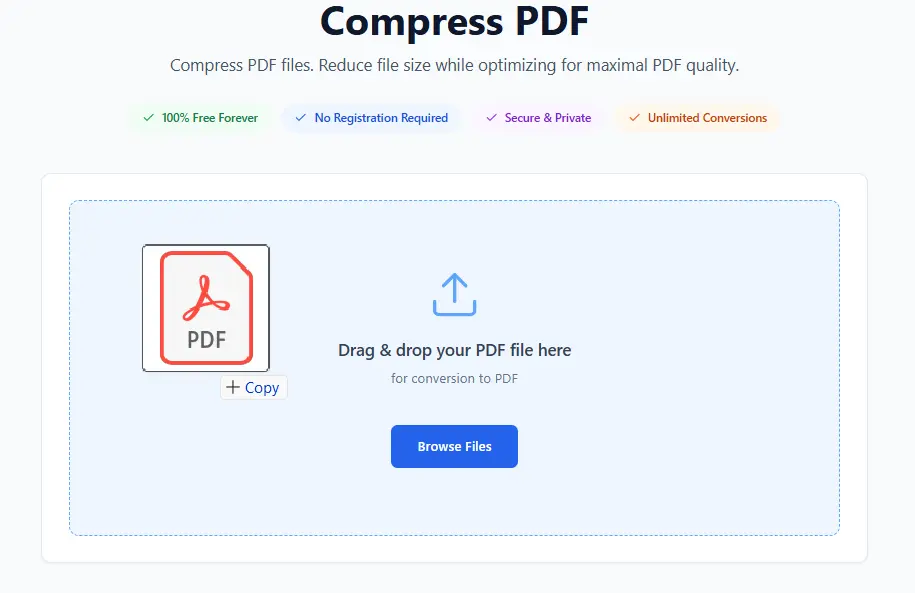
Using your browser, this tool allows you to upload and edit your documents directly online.
Click "Select PDF File" or drag and drop your PDF document into the upload area. Our compressor supports all standard PDF files and can handle documents of any size. Multiple upload methods ensure convenience for every user.
Normal: Reduces file size by approx 20% while maintaining good quality (Best for images).
Medium: Reduces file size by approx 40% with noticeable compression (Best for text).
Extreme: Reduces file size by approx 65% with maximum compression (Best for small file size needs).
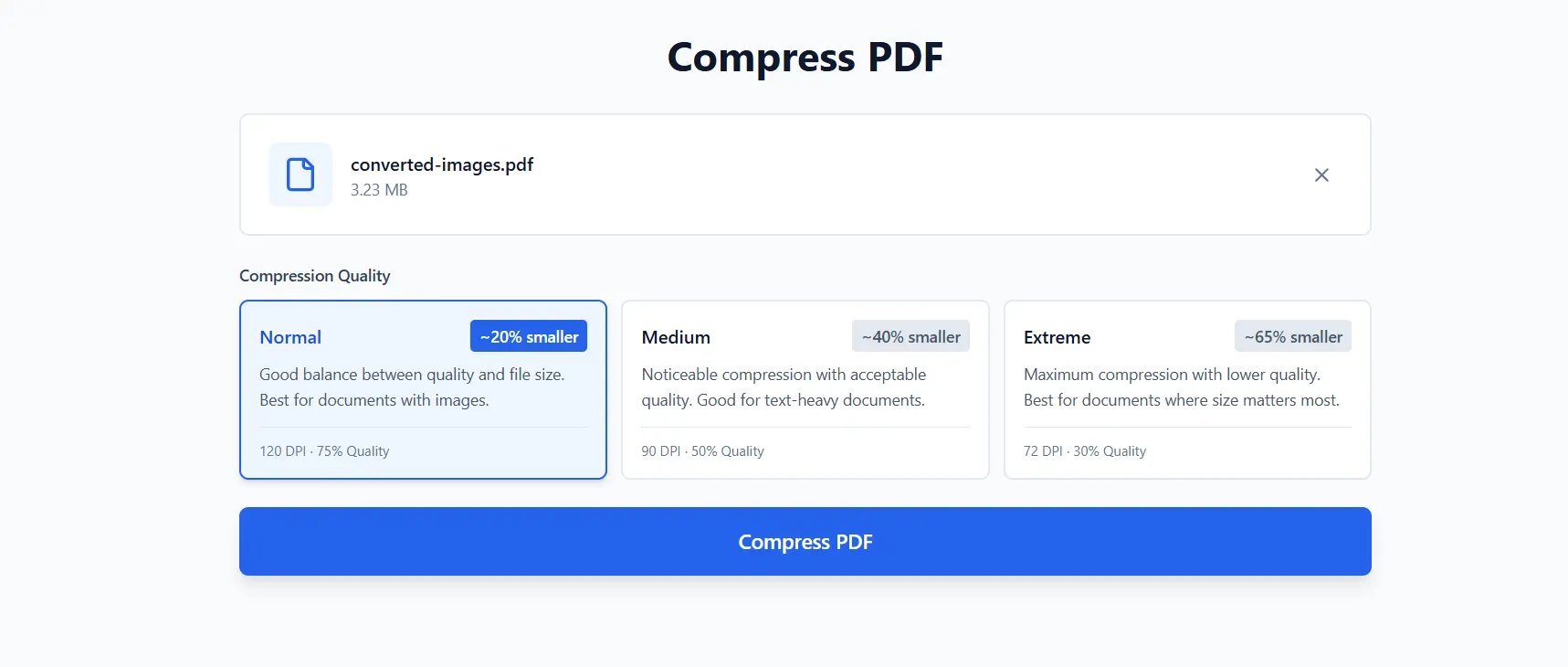
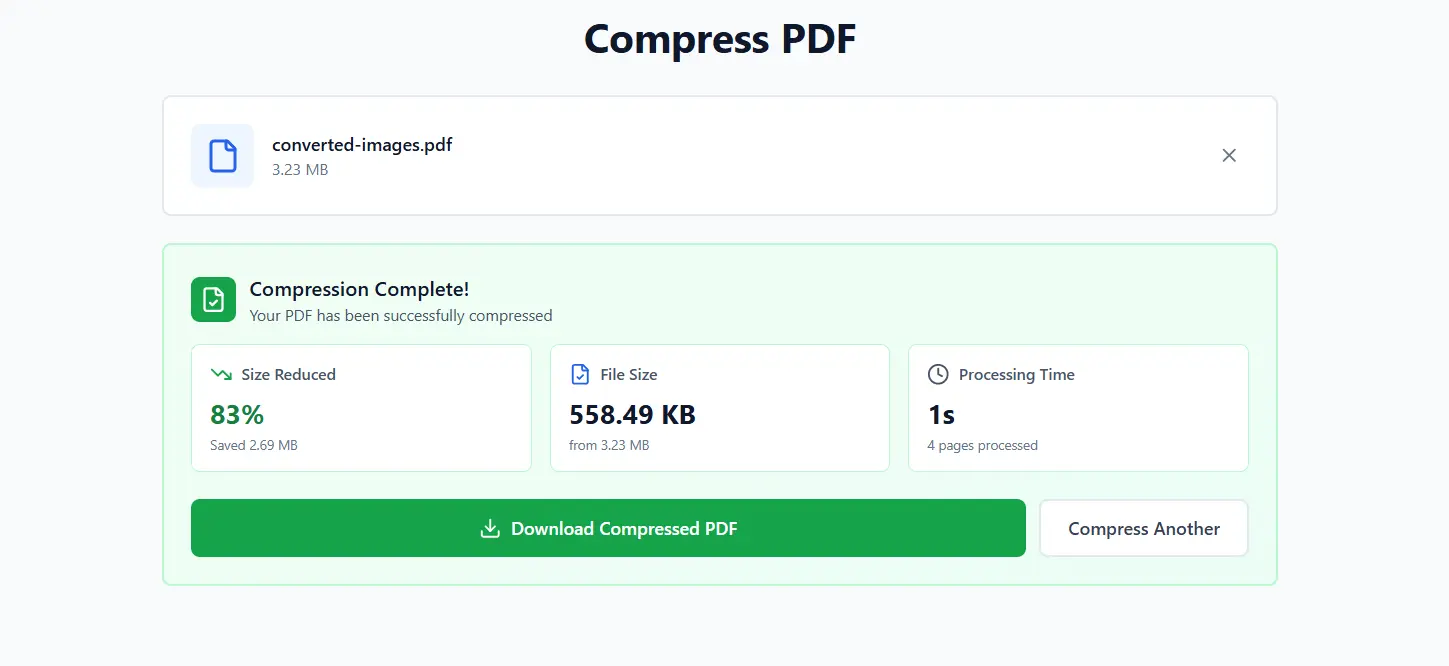
Click "Compress PDF" and wait a few seconds while our algorithm optimizes your document. Download your compressed PDF file instantly. The reduced file size makes it perfect for emailing, uploading, or storing while maintaining excellent document quality.
Latest articles, news, and updates from our team.