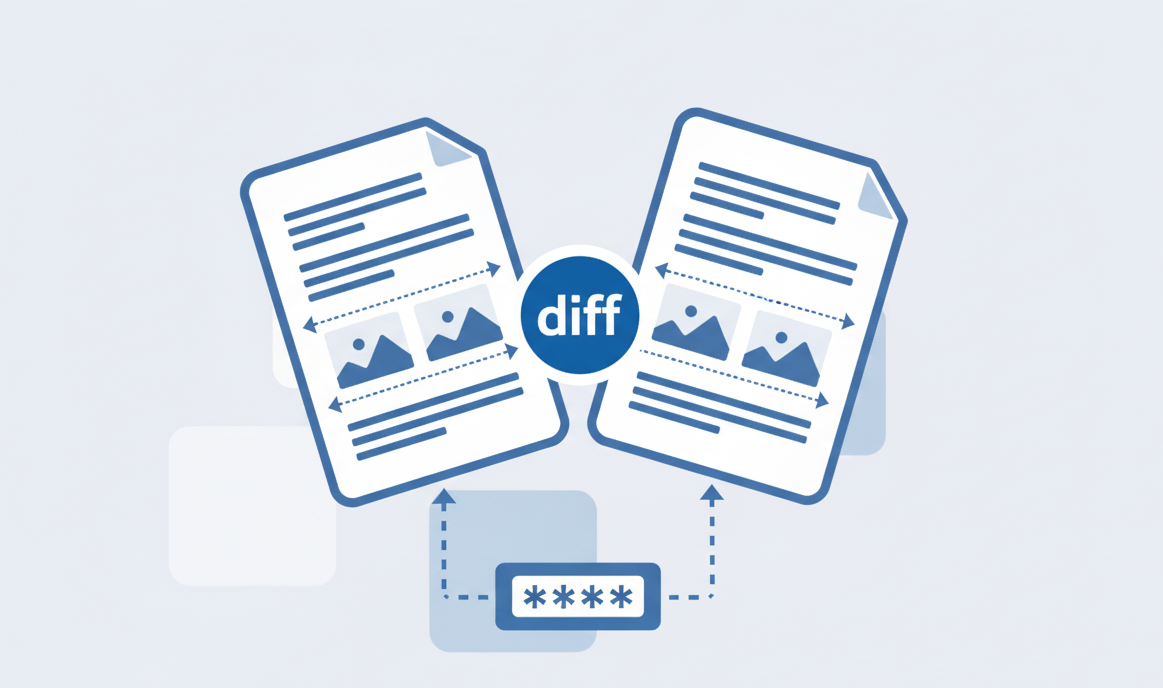
How to Compare 2 PDF files?
Learn how to easily compare two PDF files using our online tool.
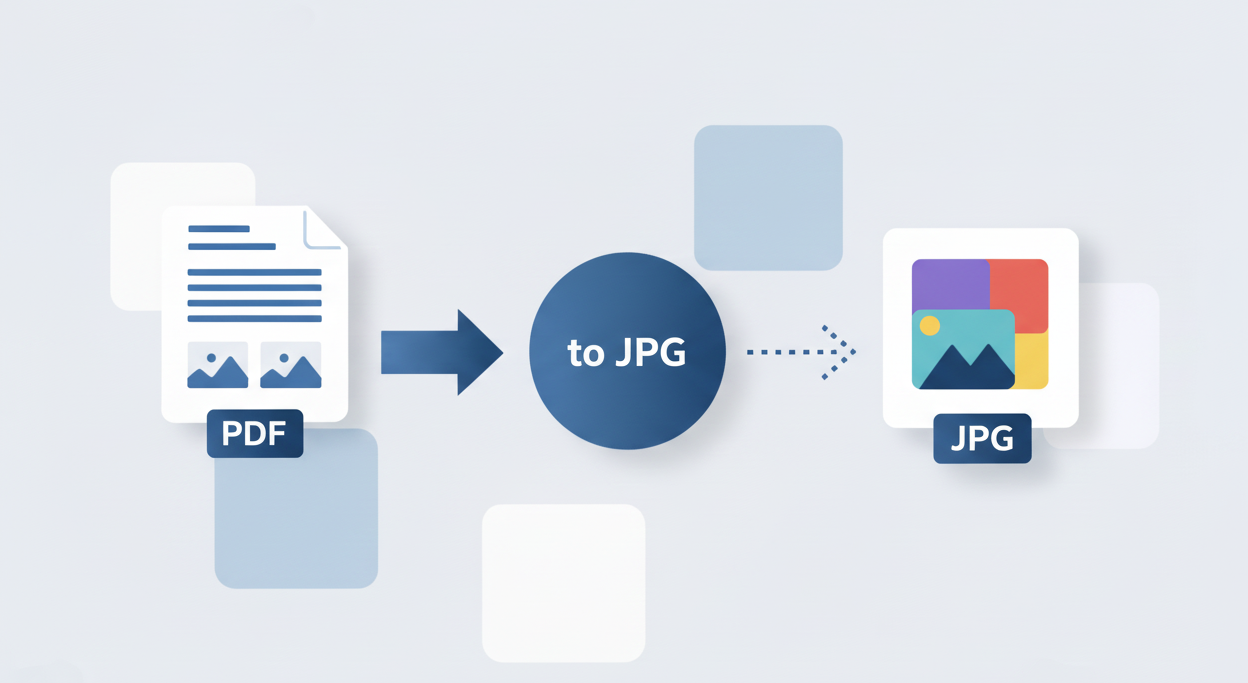
Our free PDF to PNG converter is a powerful online tool that transforms your PDF documents into high-quality PNG images. Whether you need to extract specific pages from a PDF or convert an entire document, our converter provides professional results with just a few clicks. Visit our PDFsolving website to solve all your PDF problems.
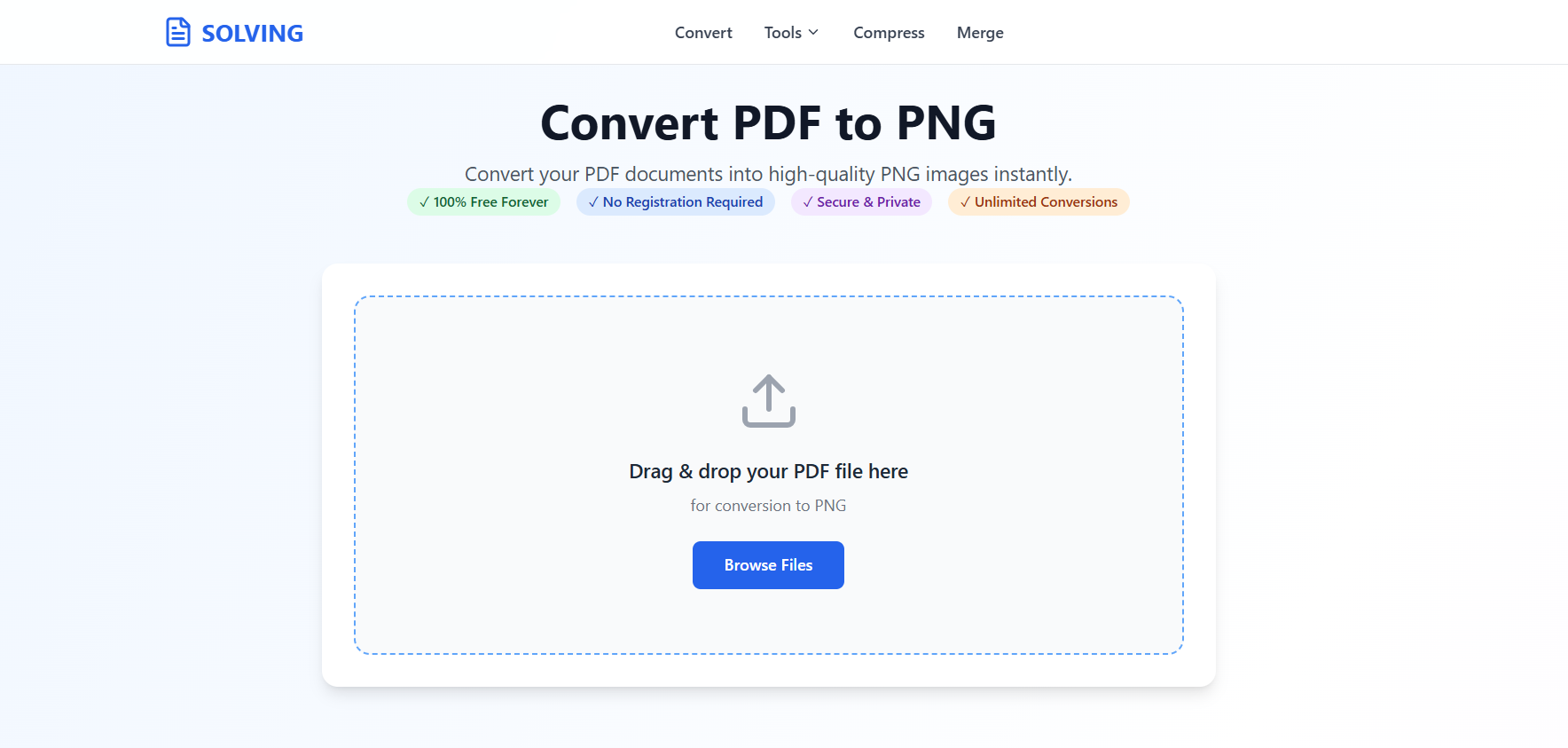
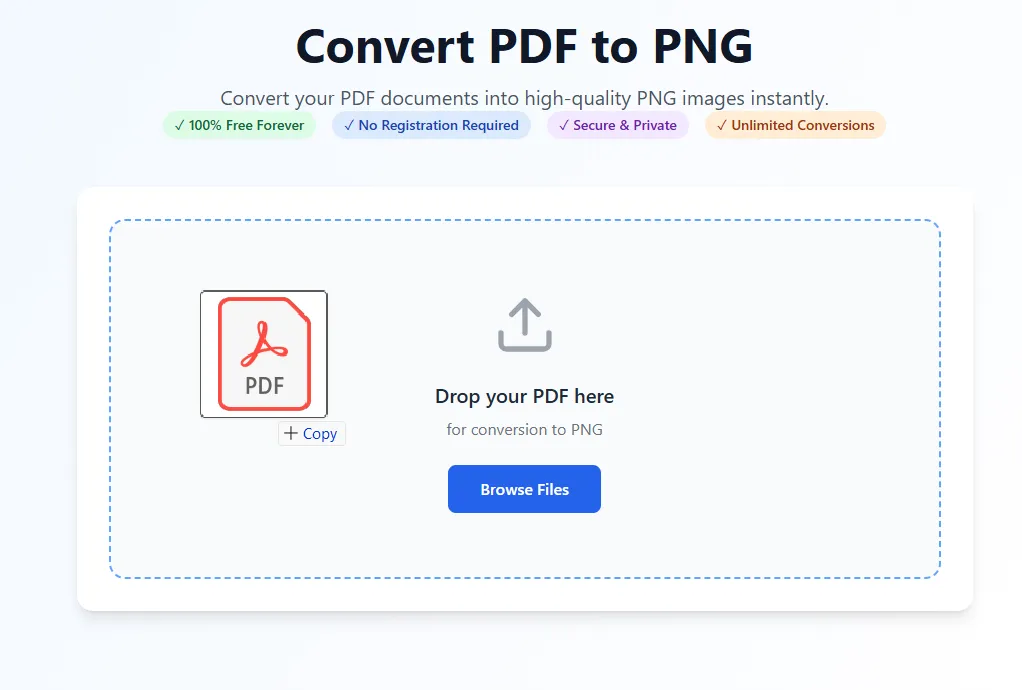
Our advanced PDFSolving technology makes conversion simple and accurate. No technical knowledge required - just upload, convert, and download.
Convert PDF to PNG instantly with fast and secure server-side processing. Quick uploads, high-quality results—no software installation needed.
Control image quality and resolution to optimize file size and visual quality for your specific requirements.
Image Quality, Image preview.
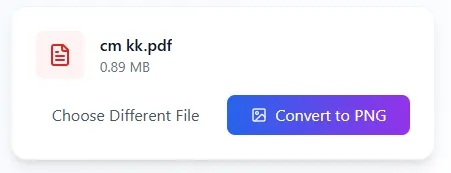
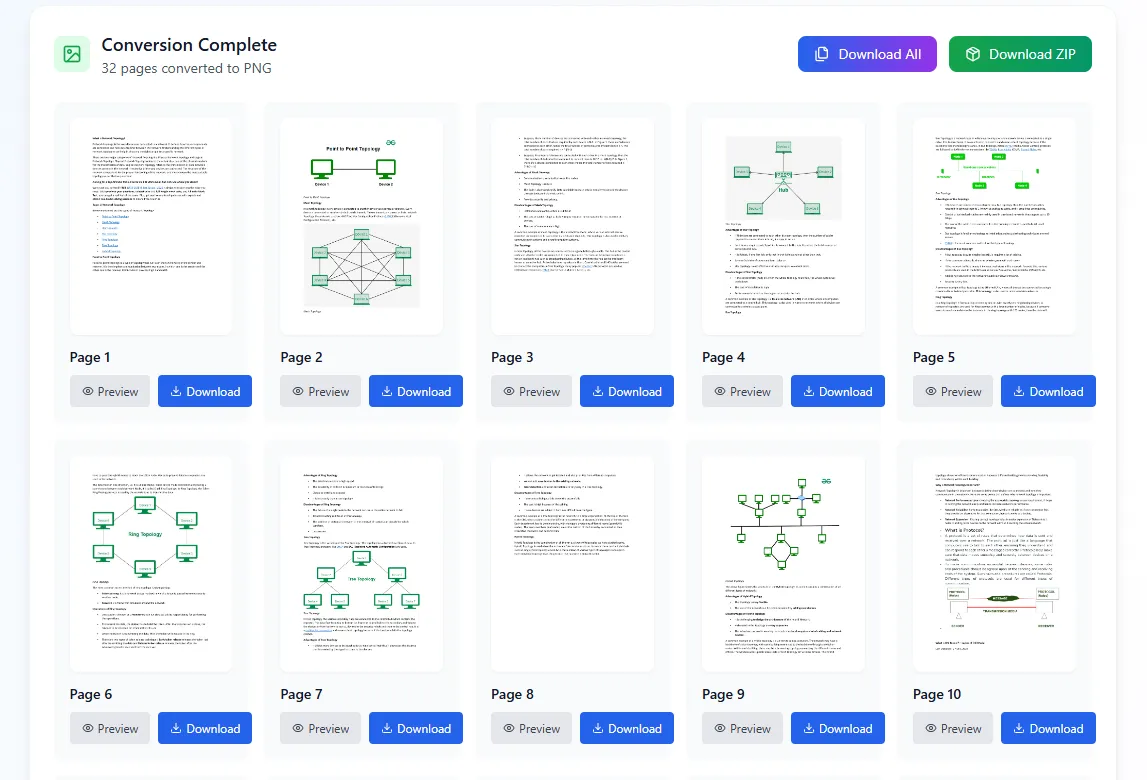
Click to download your PNG image instantly from your browser individually or all pages as a ZIP file. No waiting, no email required - immediate online conversion results.
Our online PDF to PNG converter processes your files securely on our servers—no software needed. Access from any device with internet connection.
Your files are securely uploaded and processed on our servers. All conversions are handled with strict privacy—files are automatically deleted after processing.
Convert PDF to PNG online in seconds. No waiting for uploads or processing queues. Our web-based technology delivers immediate results.
Latest articles, news, and updates from our team.