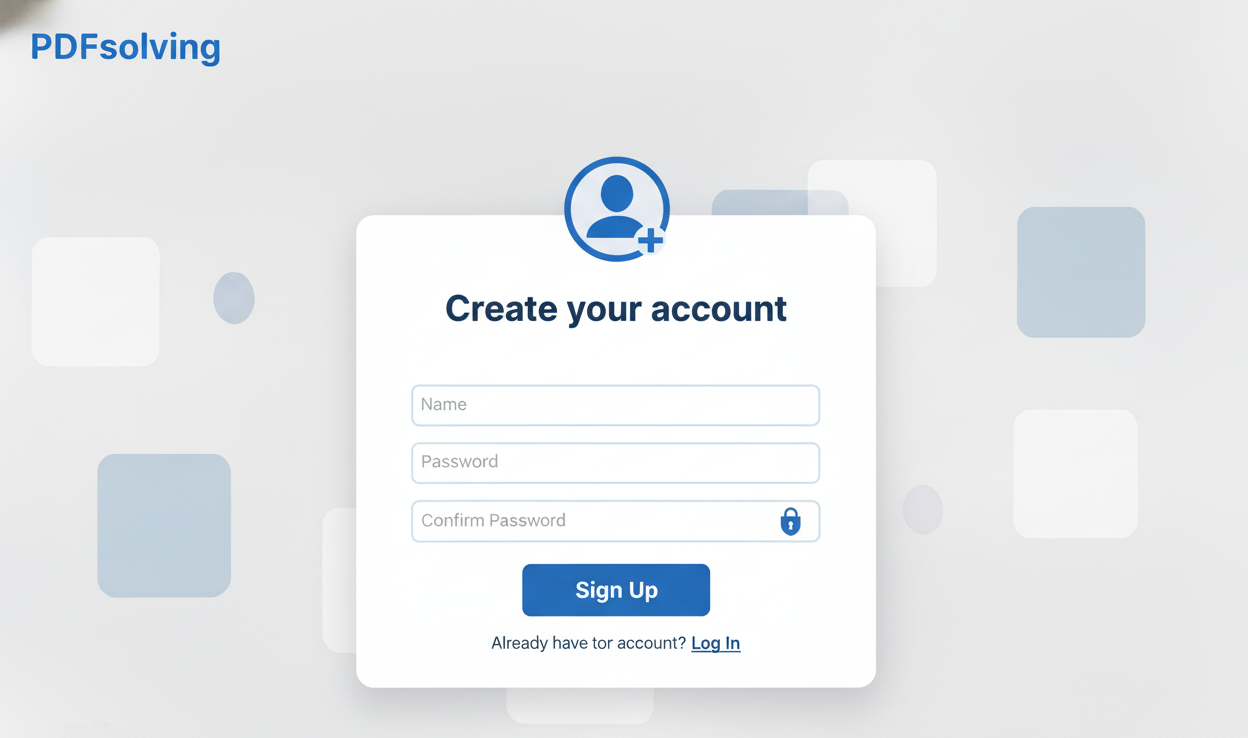
How to Create an Account?
Learn how to create your account in seconds with this easy guide.
Get the latest features automatically. No need to update software - the online tool is always current. Our web-based converter works instantly online. All PDF page crop directly in your web browser for instant results. Visit our PDFsolving website to solve all your PDF problems.
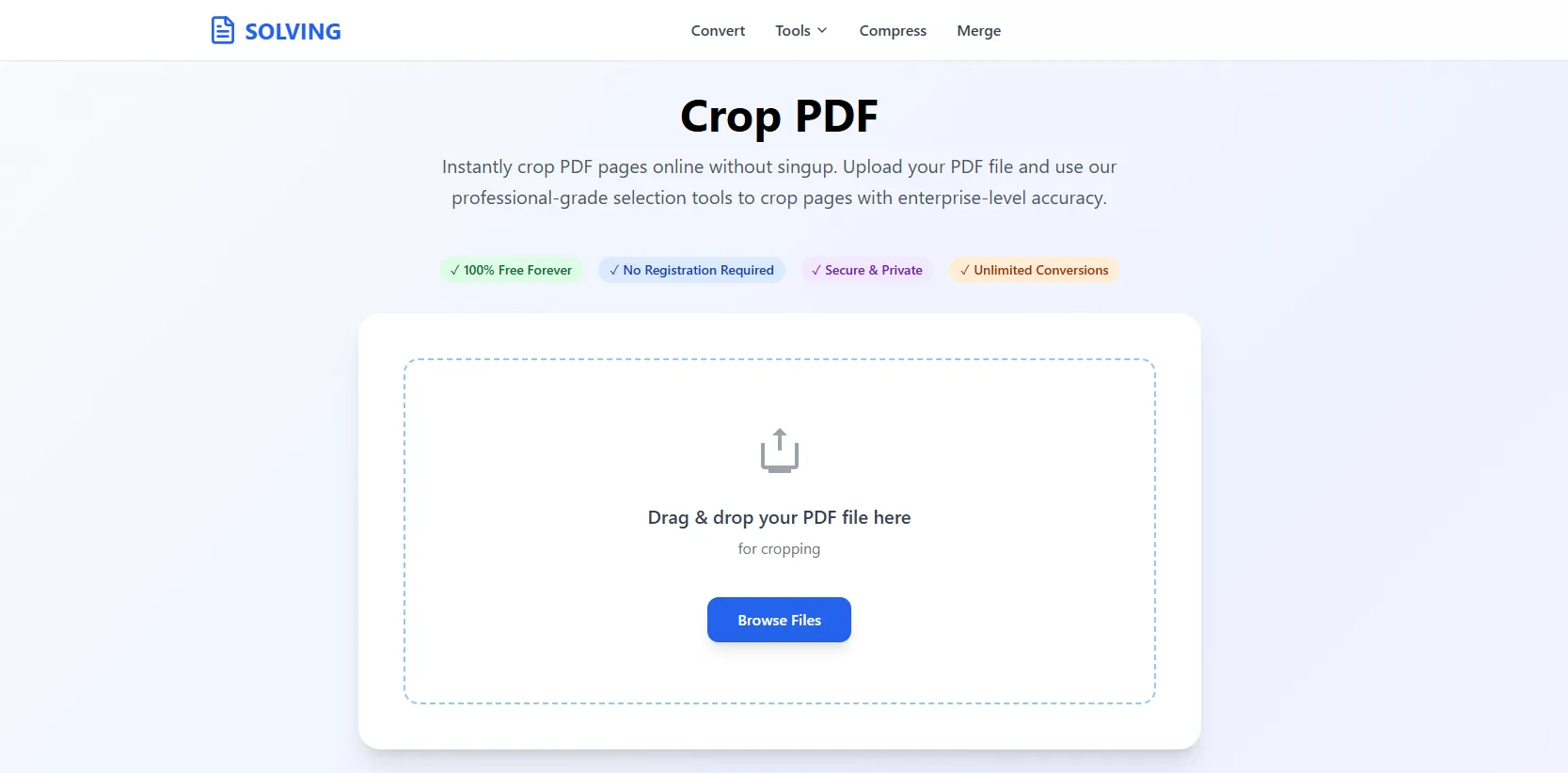
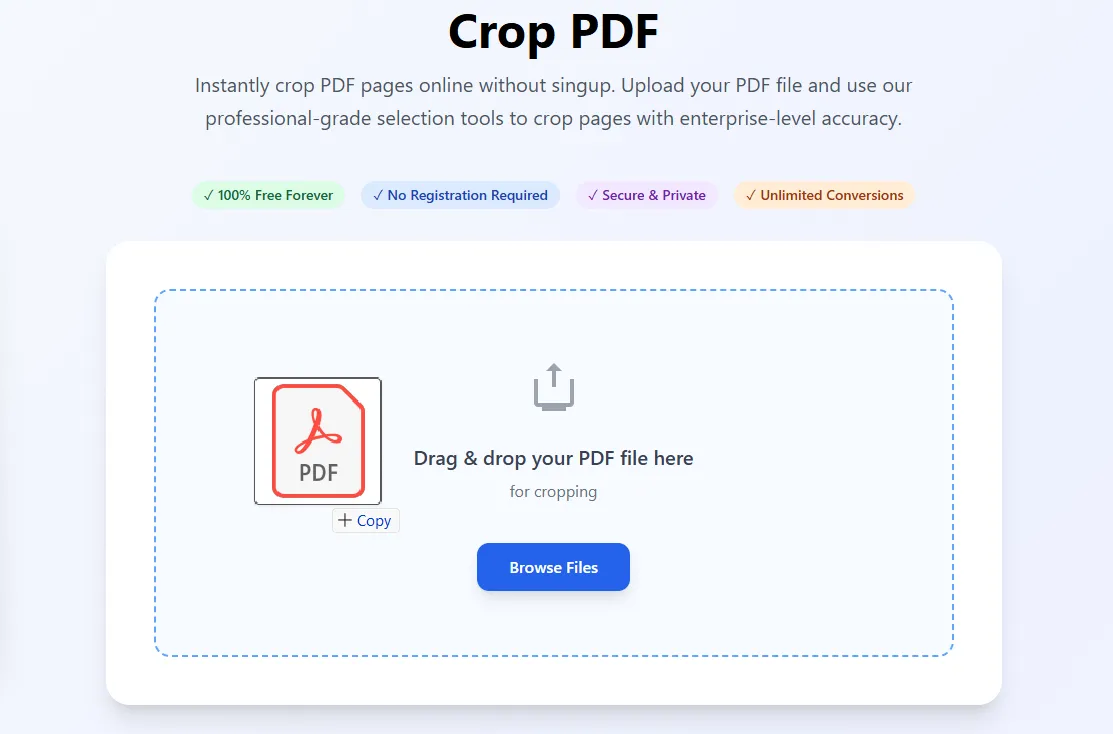
Our advanced PDFSolving technology makes conversion simple and accurate. No technical knowledge required.
Drag and drop or click to upload PDF files up to 100MB. Supports all PDF versions with instant processing. Mobile-optimized interface with professional validation and error handling.
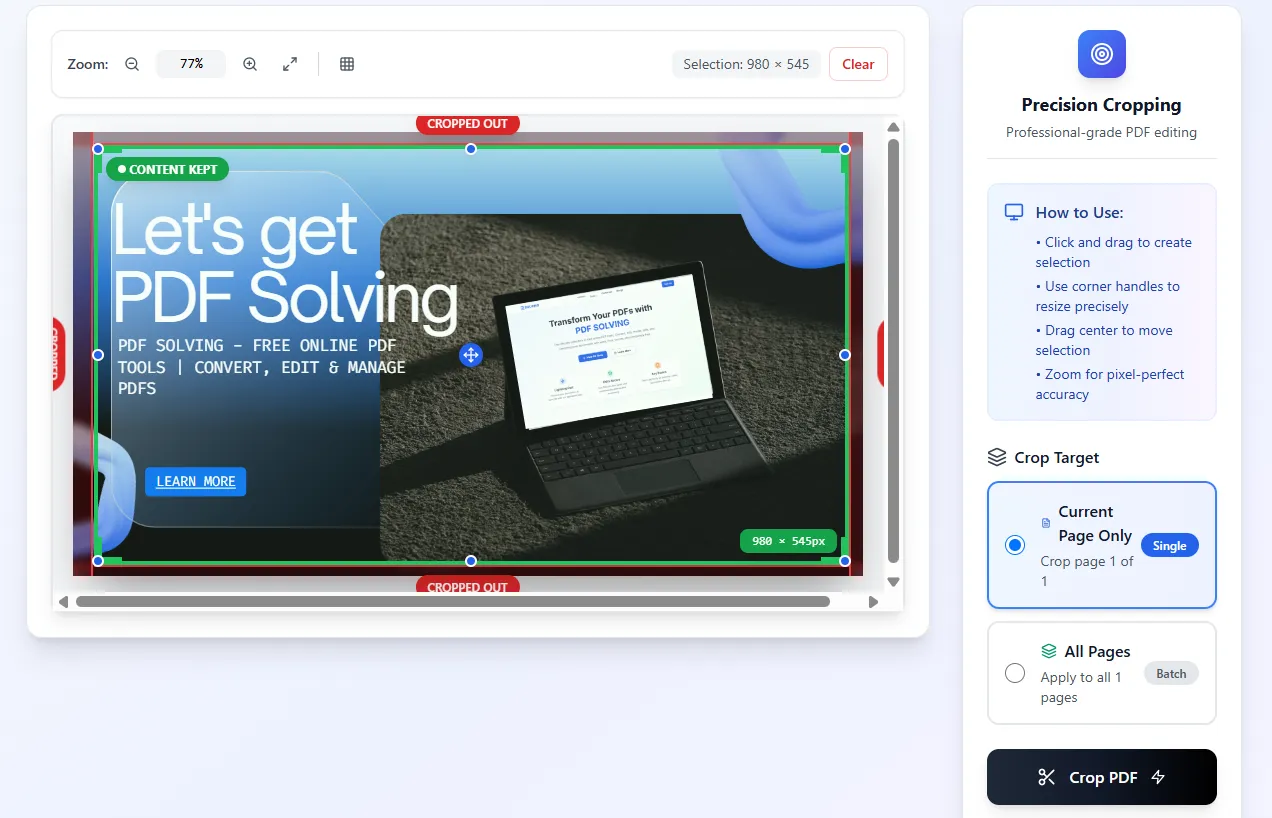
Use advanced selection tools to click and drag on the PDF page. Resize with corner handles for precision. Select whether to crop the current page only or apply to all pages with batch processing. Zoom controls and drag-to-move included.
Click the crop button and instantly download your professionally trimmed PDF. No waiting, no email required - immediate online conversion results.
Our online PDF page crop processes your files securely on our servers—no software needed. Access from any device with internet connection.
Your files are securely uploaded and processed on our servers. All conversions are handled with strict privacy—files are automatically deleted after processing.
Crop PDF page online in seconds. No waiting for uploads or processing queues. Our web-based technology delivers immediate results.
Latest articles, news, and updates from our team.