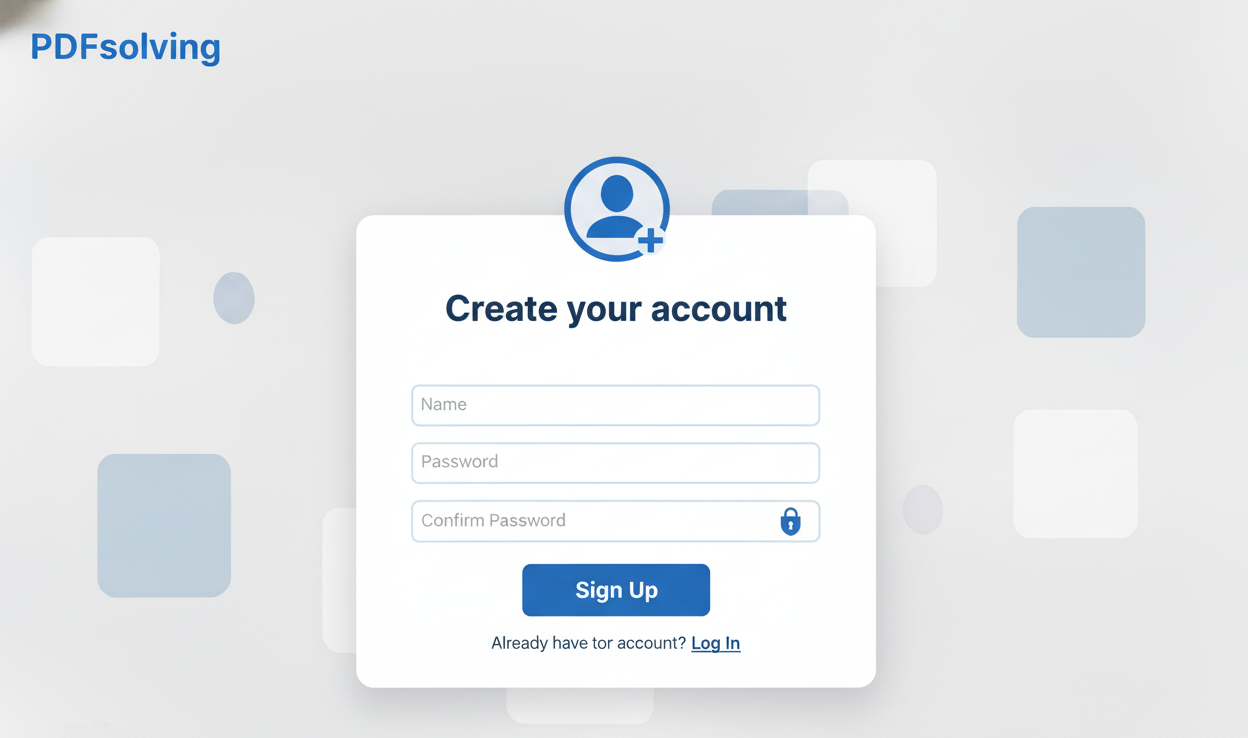
How to Create an Account?
Learn how to create your account in seconds with this easy guide.
Individuals around the world utilize PDF in their everyday tasks. With PDFSolving, you can easily view, share, store, convert, merge, compress, and split PDF files entirely online. Visit our PDFsolving website to solve all your PDF problems in your web browser.
A PDF editor is essential for office work, school, and team collaboration.
Highlight specific sections for discussion, write comments, or add reference images immediately without converting files.
Quickly annotate essays, write grades manually, sketch feedback, or add diagrams in just a few clicks.
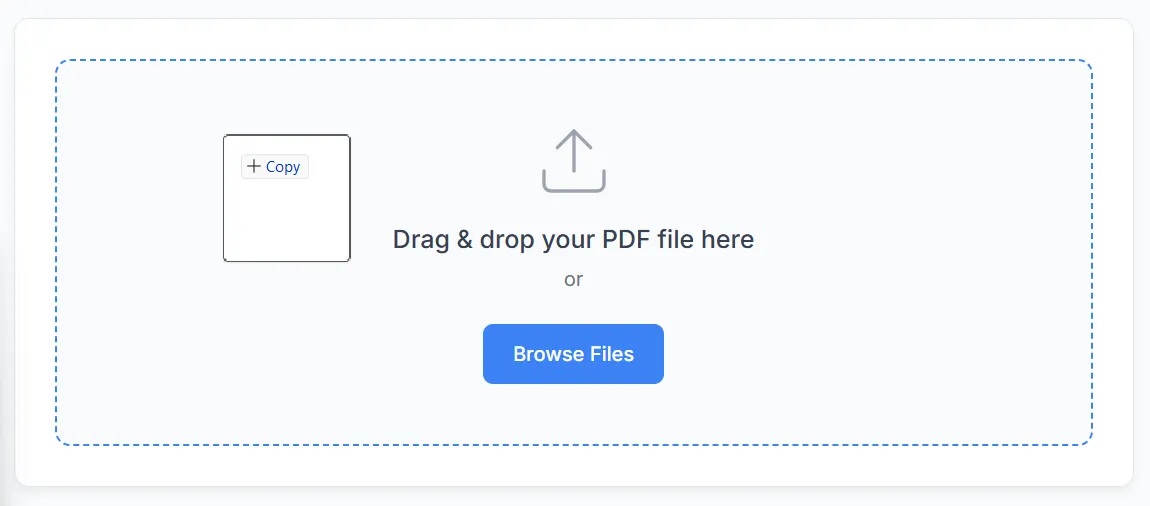
Using your browser, upload and edit documents directly.
Upload your PDF file. You can even batch edit files instead of dealing with them one at a time. Processing is high-speed and secure.
Add comments, move, resize, and change font style and color on any page.
Upload photos, resize, rotate, and place them anywhere in your document.
Draw freely or hand-write text using different pencil colors and thickness.
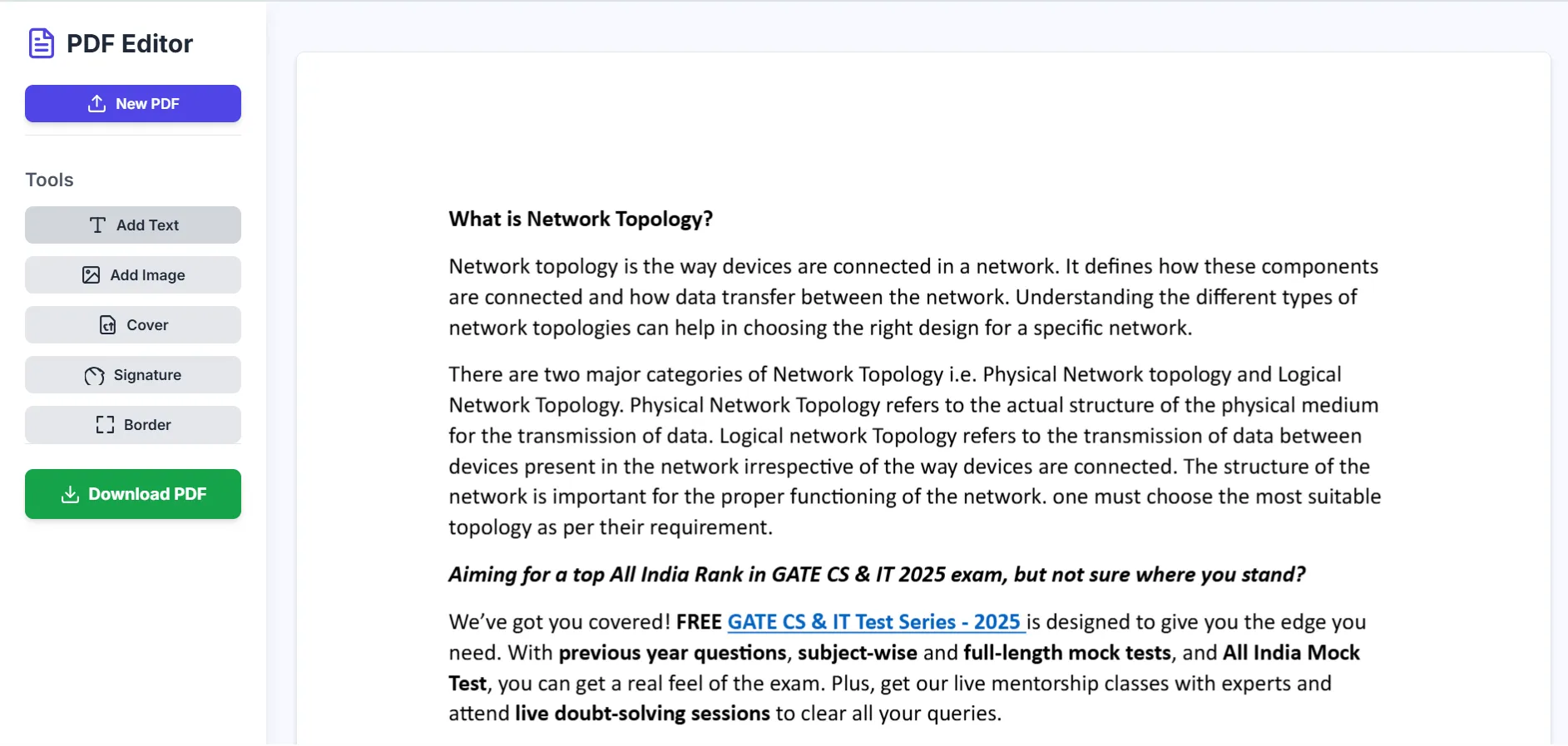
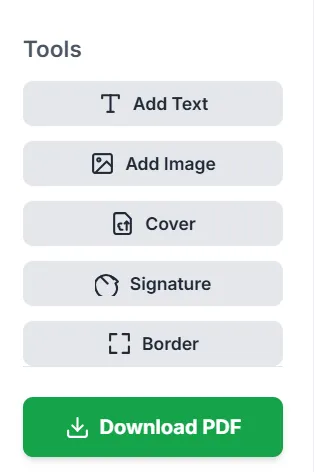
Customize page borders, move, resize, and change colors as needed.
Work in style with a simple, modern, and intuitive interface designed for efficiency.
Click Download PDF to save your edited file directly to your device.
Latest articles, news, and updates from our team.